
This article shows users how to upload their weekly fulfillment report.
This article is only applicable to the SDM department
TABLE OF CONTENTS
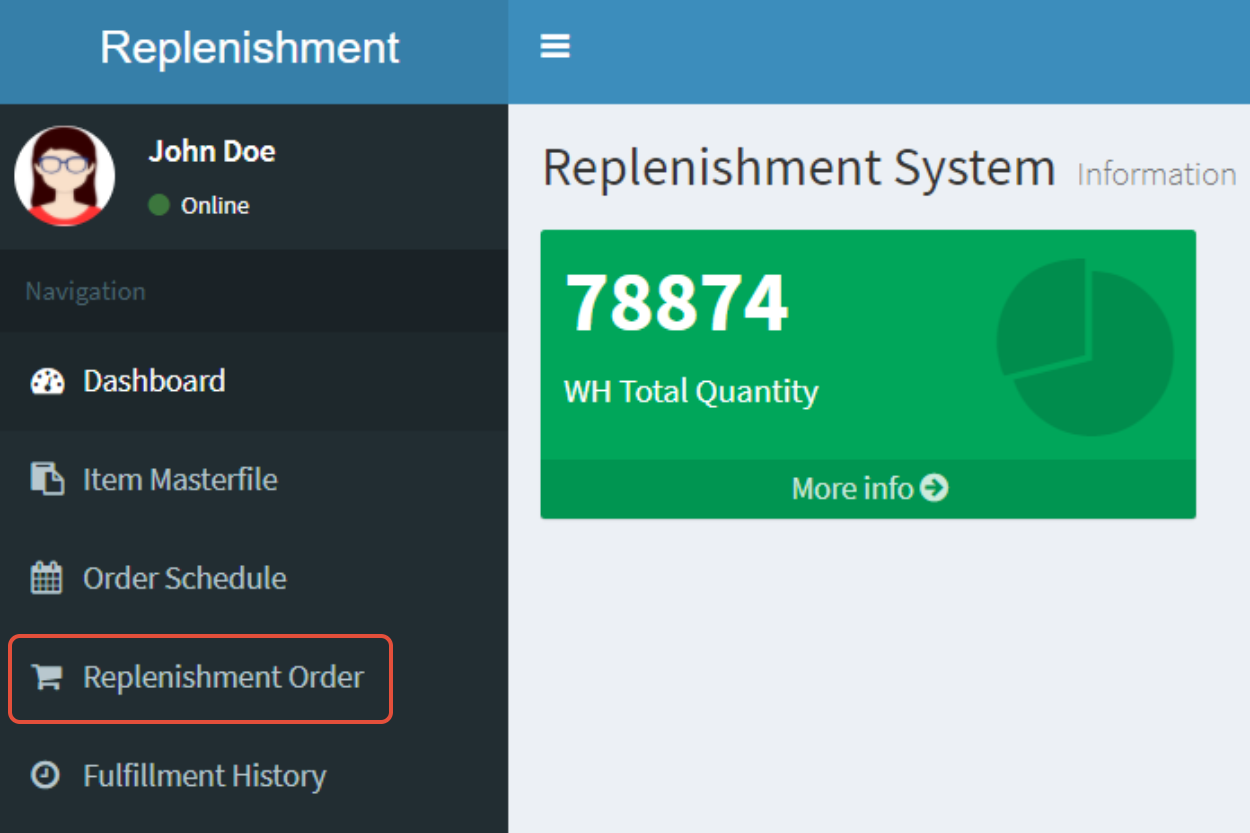
- Step 1: Click on Replenishment Order
- Step 2: Click on Upload Fulfillment
- Step 3: Download the Template
- Step 4: Upload the Fulfillment Report
- Step 5: Click on upload
Step 1: Click on Replenishment Order
Step 2: Click on Upload Fulfillment

Step 3: Download the Template

Step 4: Upload the Fulfillment Report
Click on Choose File and select the file

Please ensure that the upload type is set to DR
