
This article shows users how to download all orders in the DMRS system.
This article is only applicable to the MCB and SDM departments
TABLE OF CONTENTS
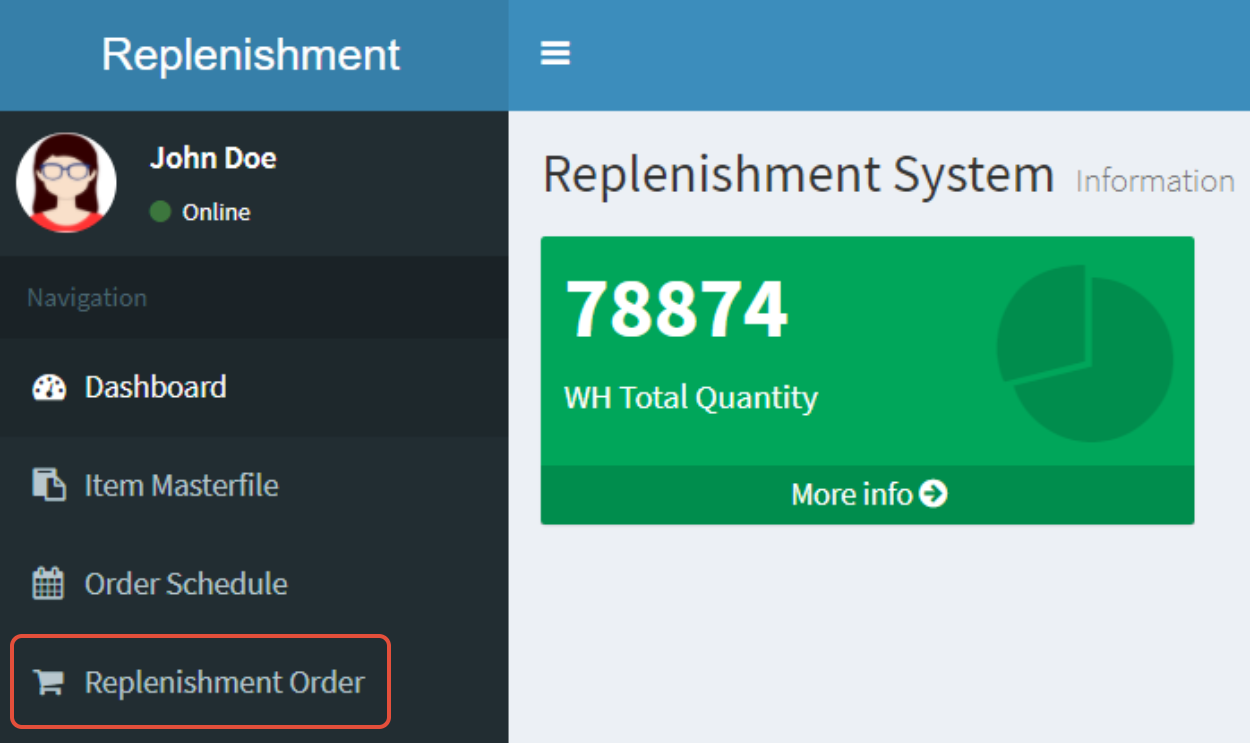
- Step 1: Click on Replenishment Order
- Step 2: Filter your Search Results
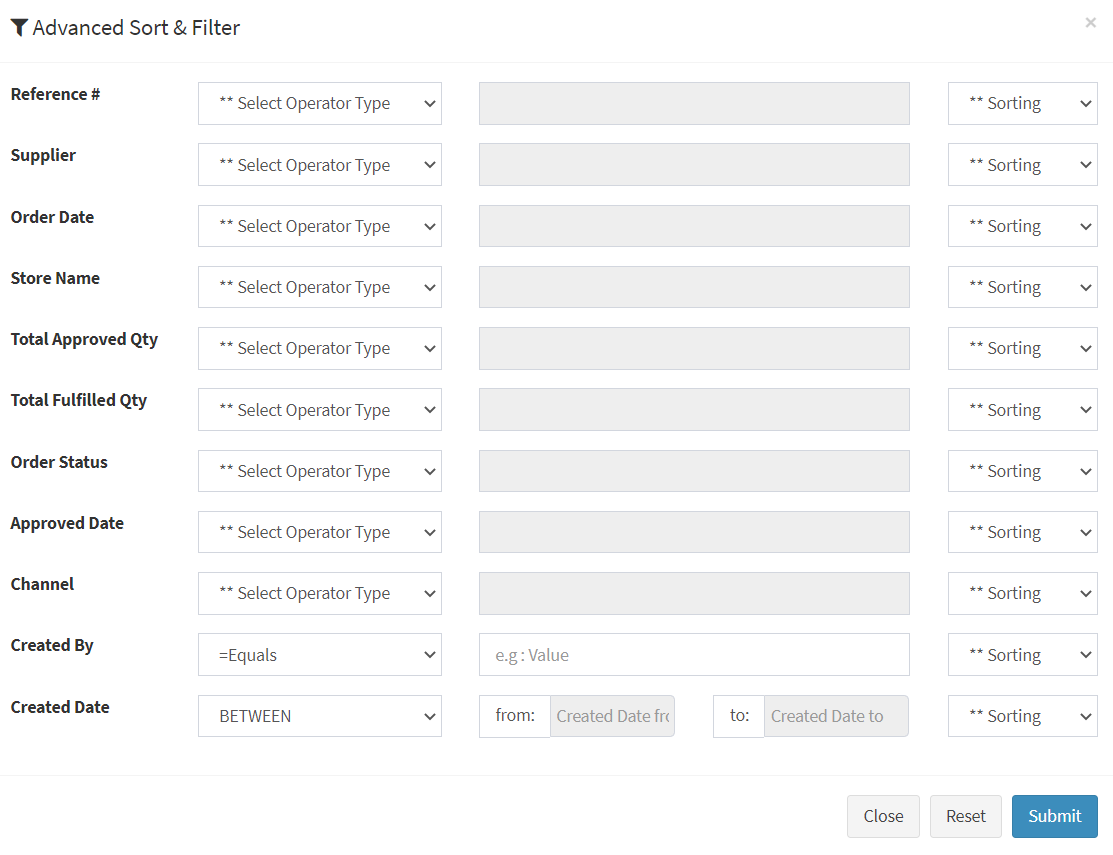
- Step 3: Enter your Filter Parameters
- Step 4: Click on Submit
- Step 5: Click on Consolidate Orders
Step 1: Click on Replenishment Order
Step 2: Filter your Search Results
- Click on the Sort & Filter button

Step 3: Enter your Filter Parameters
- You can use either (1) Equals to get the exact match, or (2) Between to get date ranges
Step 4: Click on Submit
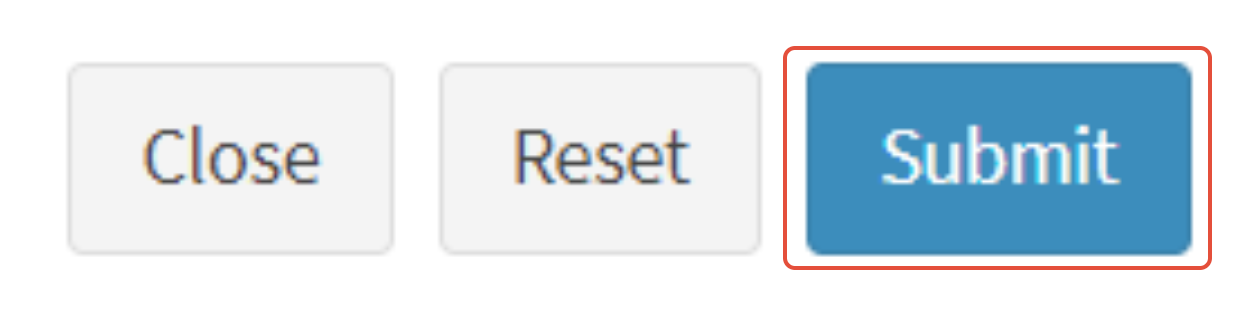
You may use Reset to clear all search parameters
Step 5: Click on Consolidate Orders
- Click on the Consolidate Orders button to download the filtered search results
