
This article will show you how to download the total summary of all your unserved orders.
This article only applies to Requestors
TABLE OF CONTENTS
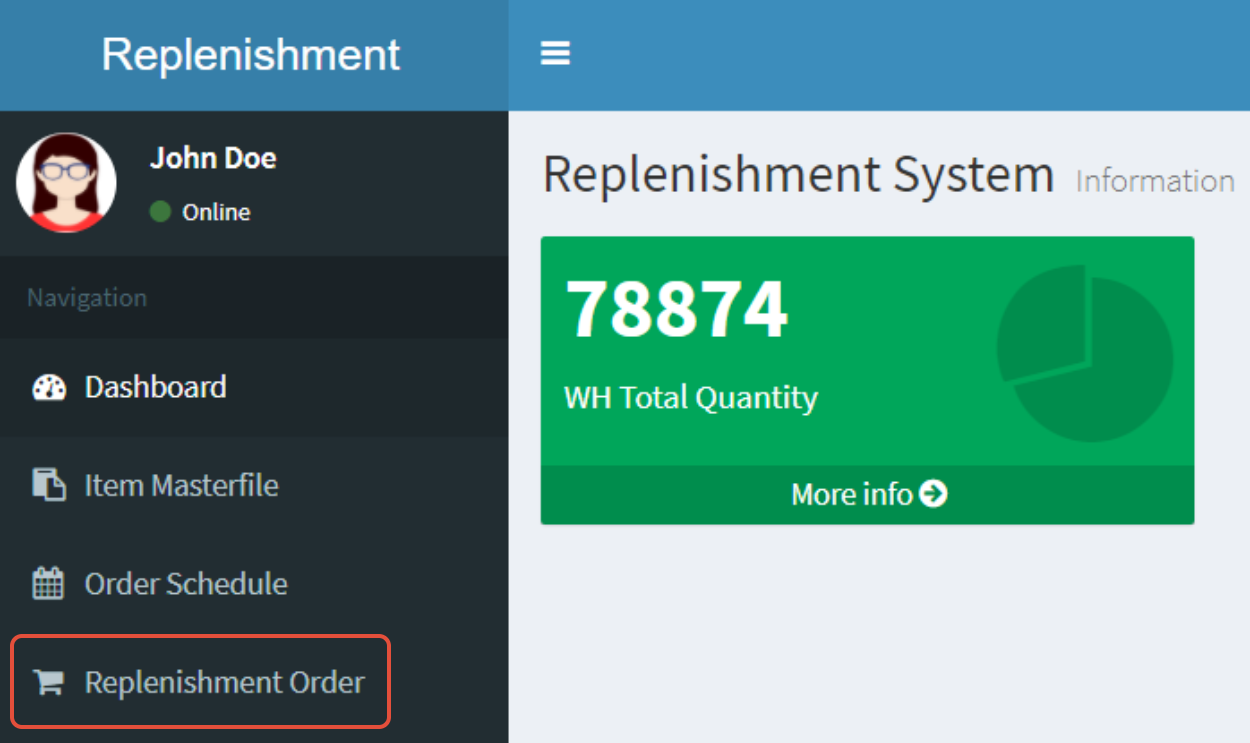
- Step 1: Click on Replenishment Order
- Step 2: Click on Export Unserved Orders
- Step 3: View Report on Excel
Step 1: Click on Replenishment Order
Step 2: Click on Export Unserved Orders

Step 3: View Report on Excel

This report shows a consolidated total for all unserved items, regardless of the order number