This article will show you how to manually sync mall admin sales in case there are problems.
This article is for Restaurant Front-End users (Cashier / OIC) that are experiencing syncing problems with mall admin sales
TABLE OF CONTENTS
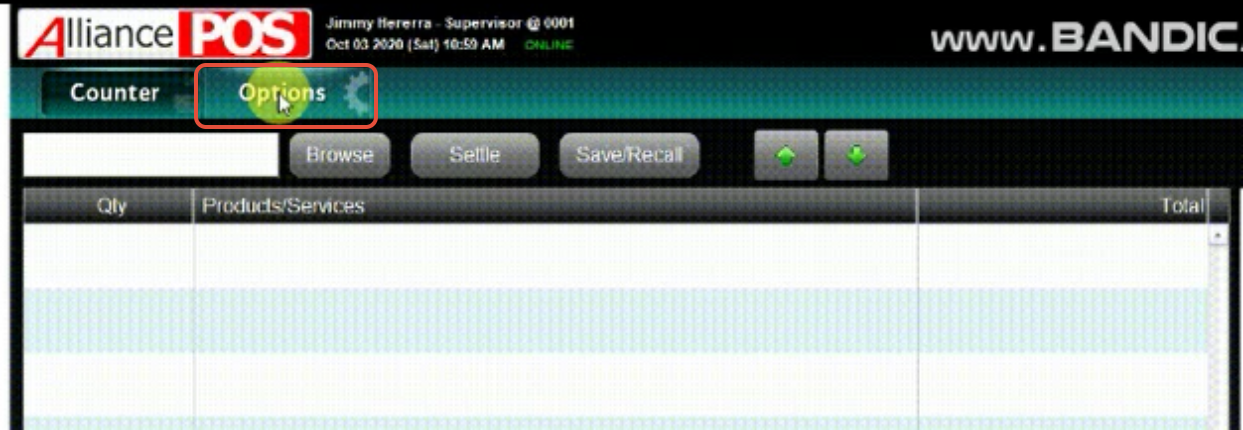
- Step 1: Click on Options on your POS Front-end
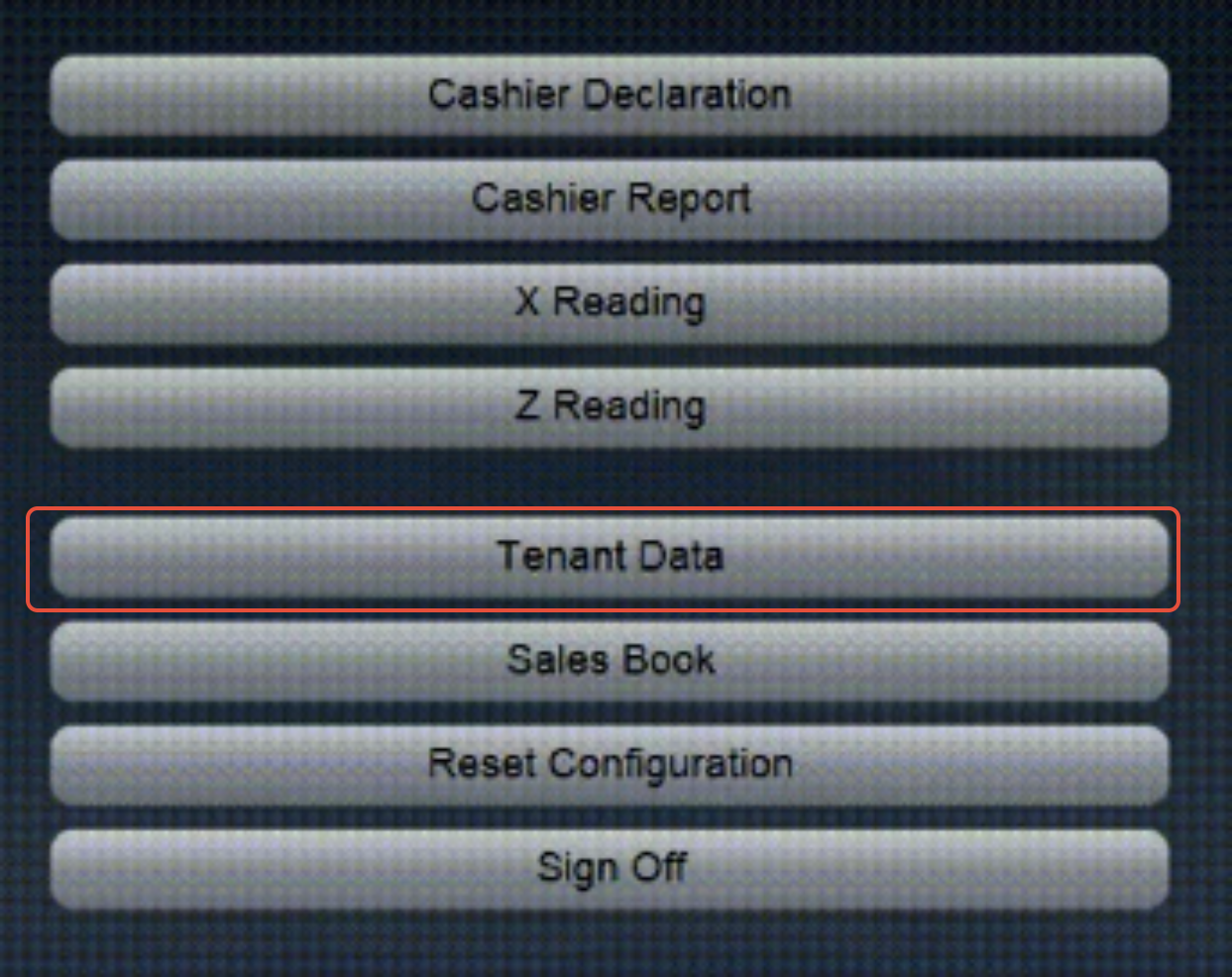
- Step 2: Click on Tenant Data
- Step 3: Adjust the Search Filter
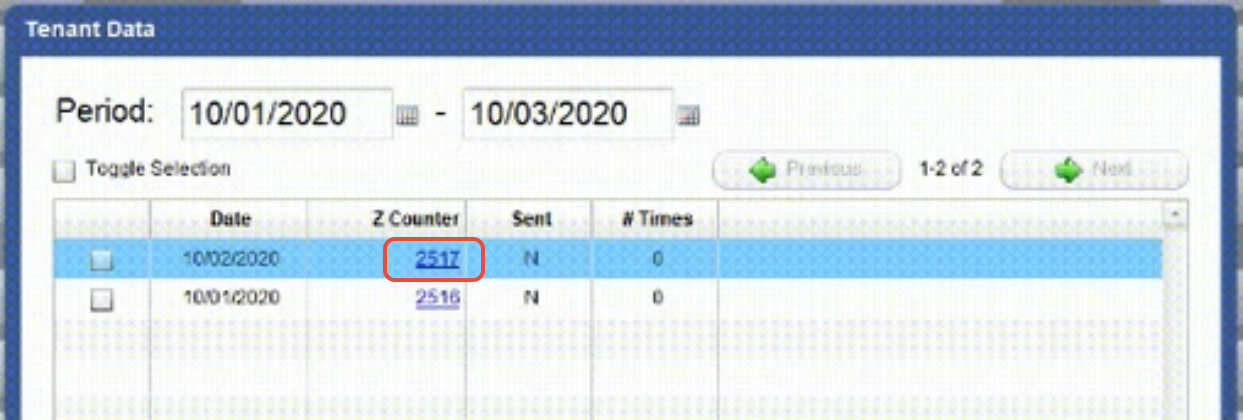
- Step 4: Click on the Data
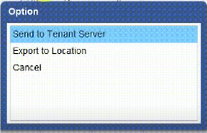
- Step 5: Click on Send to Tenant Server
Step 1: Click on Options on your POS Front-end
Step 2: Click on Tenant Data
Step 3: Adjust the Search Filter
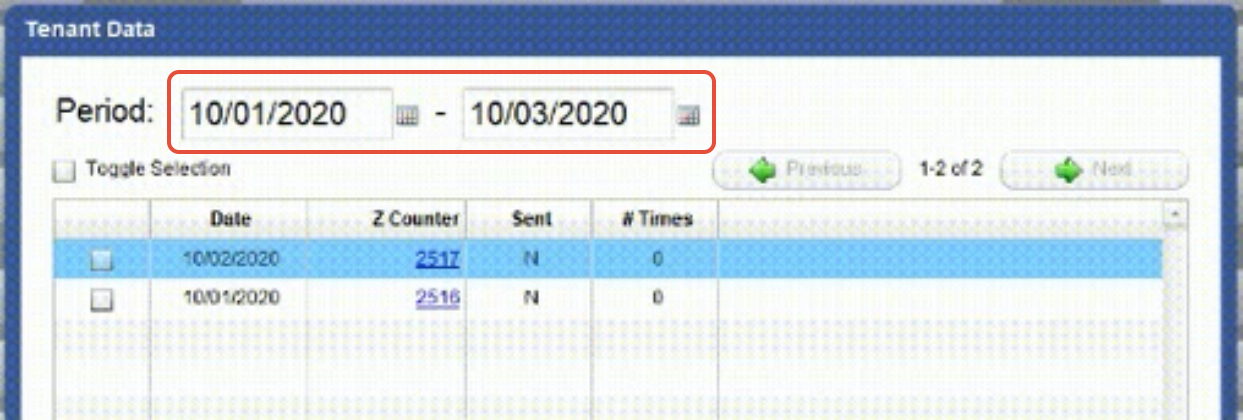
Step 4: Click on the Data
Step 5: Click on Send to Tenant Server