Logo

Welcome
Login  Sign up
Home Solutions
New support ticket
Check ticket status
Solution home Digits Systems DNOS - New Order System

How to Login Print

Created by: Christoff Sy

Modified on: Wed, 9 Dec, 2020 at 10:37 AM


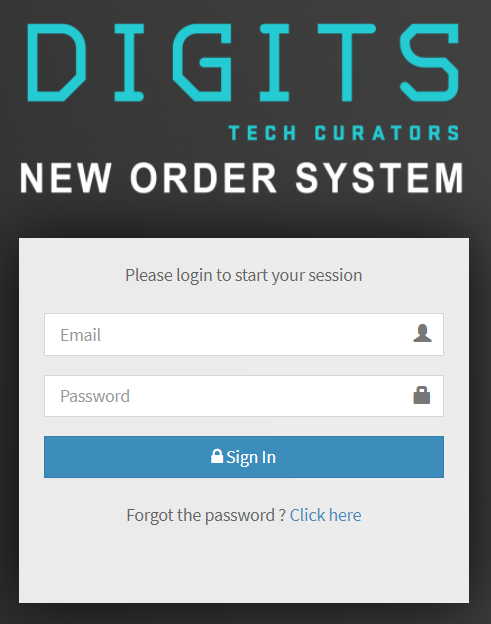
This article will teach you how to login to the DNOS system.

TABLE OF CONTENTS

  • Step 1: Enter the DNOS website
  • Step 2: Input your Username and Password
  • Step 3: Click on Sign In

Step 1: Enter the DNOS website

  • Click on the link: http://dnos.digitstrading.ph/public

Step 2: Input your Username and Password


Step 3: Click on Sign In



Do not share your username and password with other people


C
Christoff is the author of this solution article.

Did you find it helpful? Yes No

Send feedback
Sorry we couldn't be helpful. Help us improve this article with your feedback.

Related Articles

    Home Solutions Cookie policy
    Help Desk Software by Freshdesk
    Article views count