How to View my Order History
Print
Created by: Christoff Sy
Modified on: Wed, 9 Dec, 2020 at 5:22 PM
This article will teach you how view your order history in DNOS.
This article is applicable to the requestor and the approver
TABLE OF CONTENTS
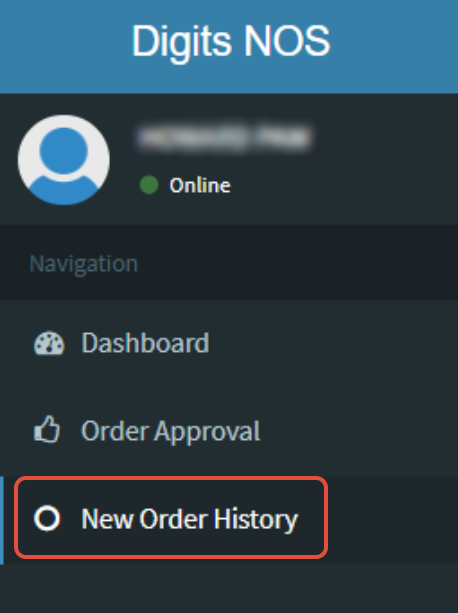
Step 1: Click on New Order History
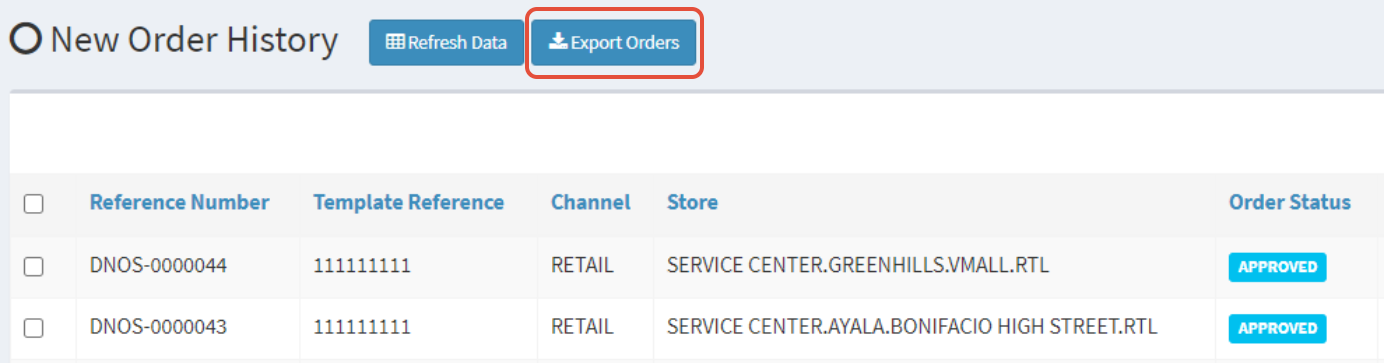
Step 2: Click on Export Orders
Step 3: Open your Exported File in Excel

Christoff is the author of this solution article.
Did you find it helpful?
Yes
No
Send feedback Sorry we couldn't be helpful. Help us improve this article with your feedback.
