
This article will show you how to receive Store to Store transactions.
This article is for store personnel and store heads only.
All transactions MUST be received in the Middleware within 24 hours from receiving physical items. Items not received in the Middleware will not have inventory in the POS
TABLE OF CONTENTS
- Step 1: Click on STS Receiving
- Step 2: Search for the ST
- Step 3: Click on Receive Button
- Step 4: Scan Items
- Step 5: Click on Receive Button
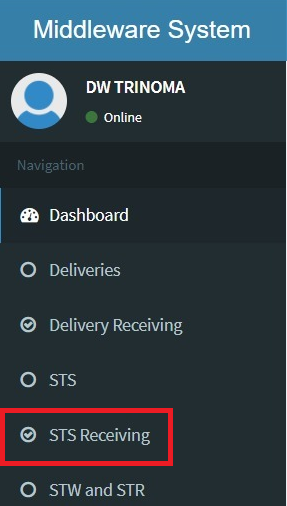
Step 1: Click on STS Receiving
Step 2: Search for the ST

Step 3: Click on Receive Button

Step 4: Scan Items
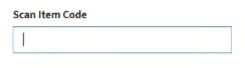
If your item is serialized, a popup window will appear. Scan your serial here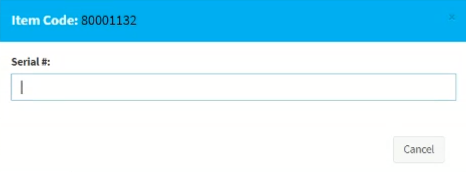
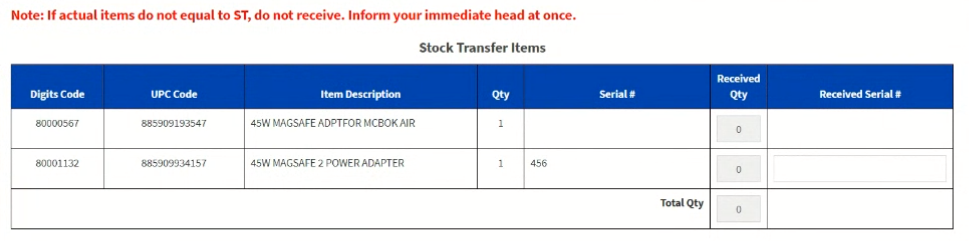
Step 5: Click on Receive Button

If there are no problems, a success message will appear.
If you experience a discrepancy, contact your immediate head and wait for instructions.