
This article will show you how to create warranty requests in the Digits Aftersales System.
This article is for customers only.

If the customer does not want to fill up the form, operations team may input details for them.
TABLE OF CONTENTS
- Step 1: Open the Website
- Step 2: Click Create Warranty Request
- Step 3: Fill up the Information
- Step 4: Click Create
Step 1: Open the Website
Click on the website link: https://warranty.digits.com.ph
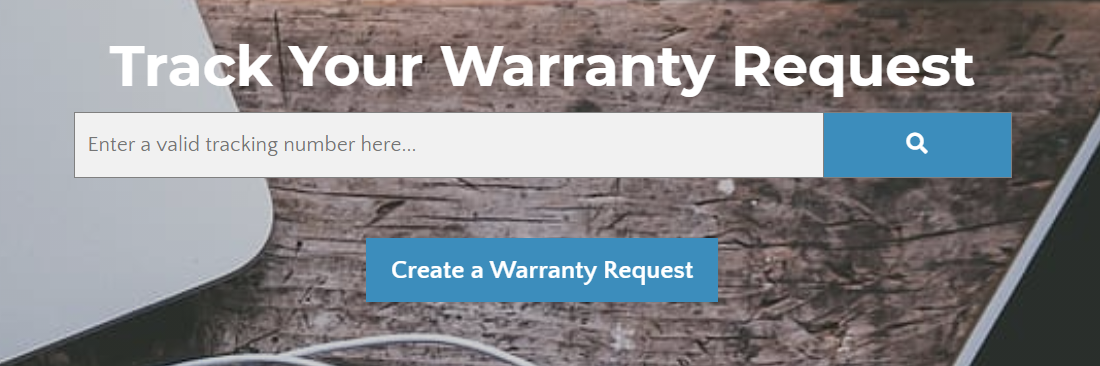
Step 2: Click Create Warranty Request
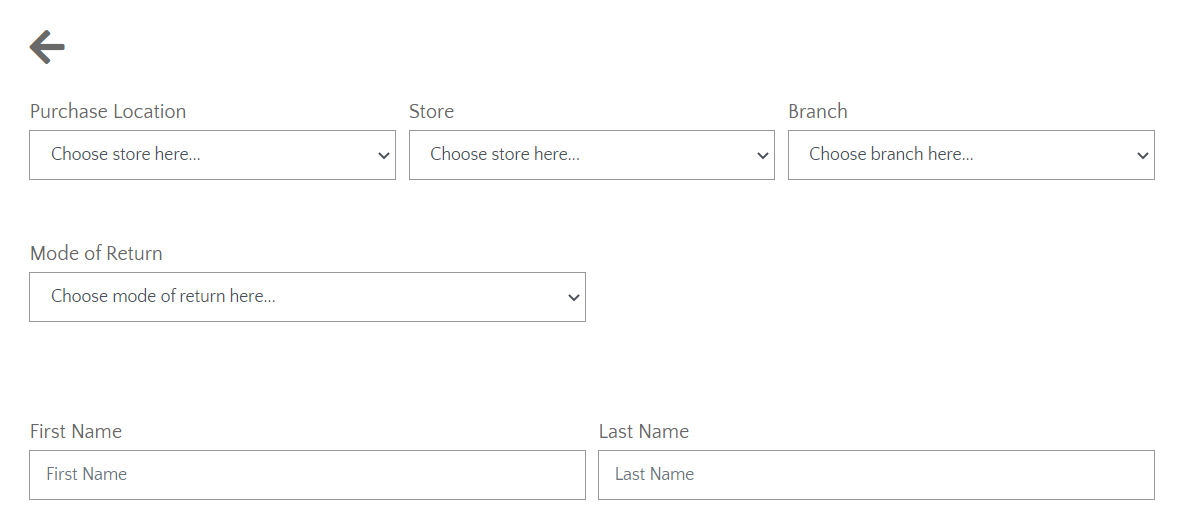
Step 3: Fill up the Information
Step 4: Click Create

A popup window will appear after creating the warranty request.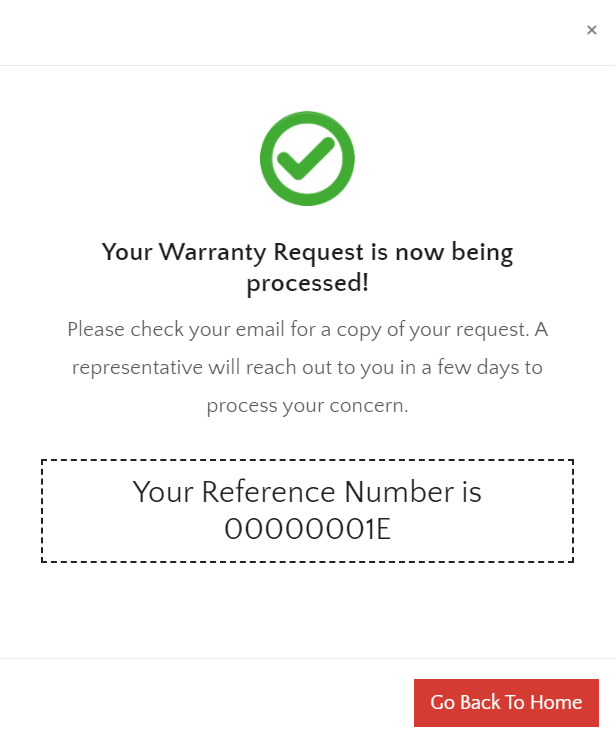
Your response will be sent via email.