This article will show you how to create a trip ticket to release deliveries.
This article is for the Logistics department only.
All inbound and outbound deliveries must have a trip ticket before it can be released from a certain location. Transactions include the following: DR, STS, STW, STR, Transmittal.
TABLE OF CONTENTS
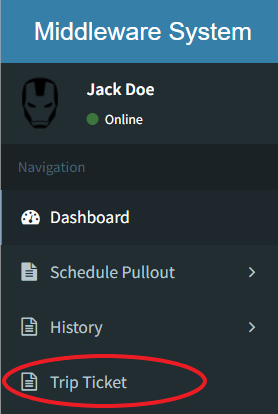
- Step 1: Click on Trip Ticket
- Step 2: Click on Create Trip
- Step 3: Select the Destinations
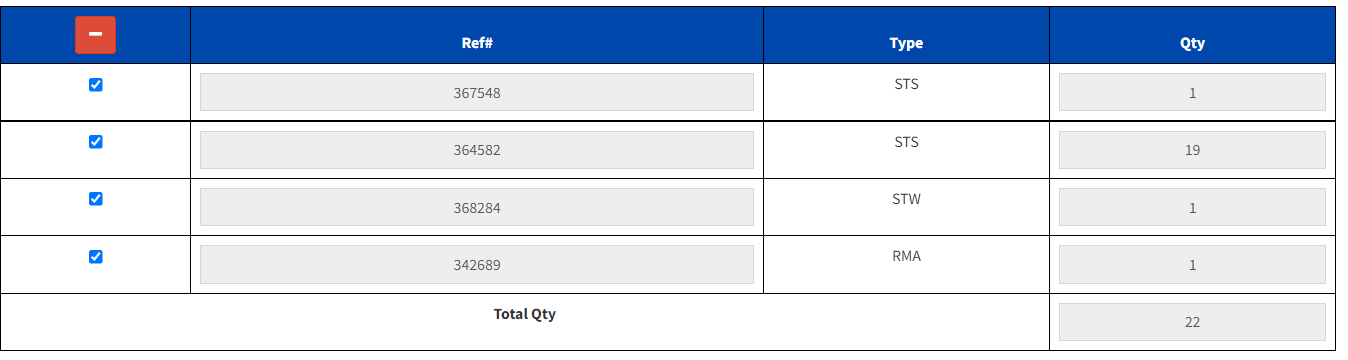
- Step 4: Select Deliveries
- Step 5: Click on Create Button
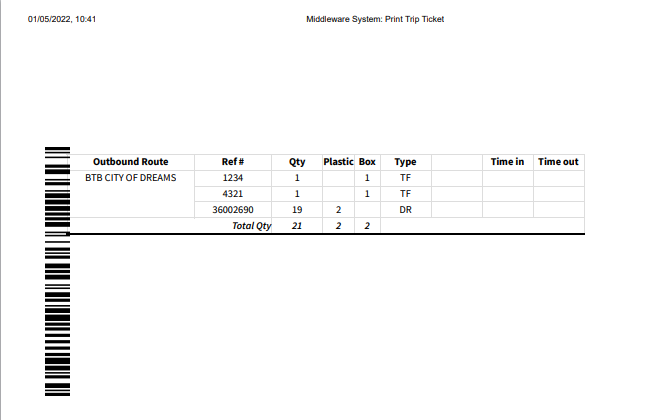
- Step 6: Print Trip Ticket
Step 1: Click on Trip Ticket
Step 2: Click on Create Trip
Click on CREATE OUTBOUND TRIP for Deliveries
Click on CREATE INBOUND TRIP for Pull-out

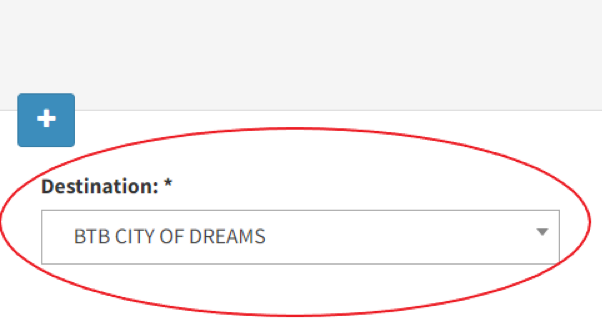
Step 3: Select the Destinations
Click on this dropdown to select a store
Click on the " + " to add a new store to the trip
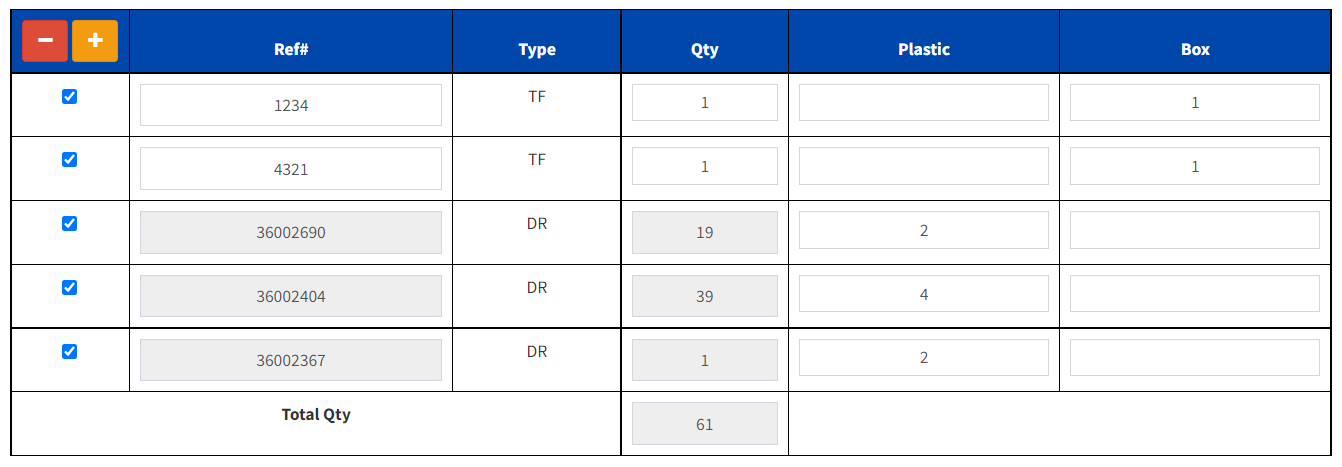
Step 4: Select deliveries
Click on the " + " sign to add a Transmittal Form
Input the number of plastic or box per DR
To remove a store, click on " - "
Uncheck transactions that are not part of the trip
For Inbound Trip Tickets, no additional steps will be needed after selecting the destination