This article will show you how to release a trip ticket to turnover deliveries to the Logistics department.
This article is for the Retail Operations department only.
All store pull-out must be trip ticket released in the Middleware system.
TABLE OF CONTENTS
- Step 1: Click on Trip Ticket
- Step 2: Click on Release Trip Ticket
- Step 3: Select Your Store
- Step 4: Scan Trip Ticket Barcode
- Step 5: Indicate Receiver and Releaser
- Step 6: Check Transaction
- Step 7: Click on Receive Button
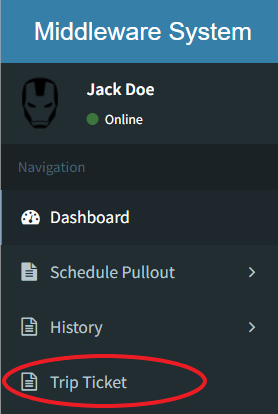
Step 1: Click on Trip Ticket
Step 2: Click on Release Trip Ticket

Step 3: Select Your Store

Step 4: Scan Trip Ticket Barcode

Scan the barcode located on the physical Trip Ticket carried by the Logistics DepartmentStep 5: Indicate Receiver and Releaser

Step 6: Check Transactions
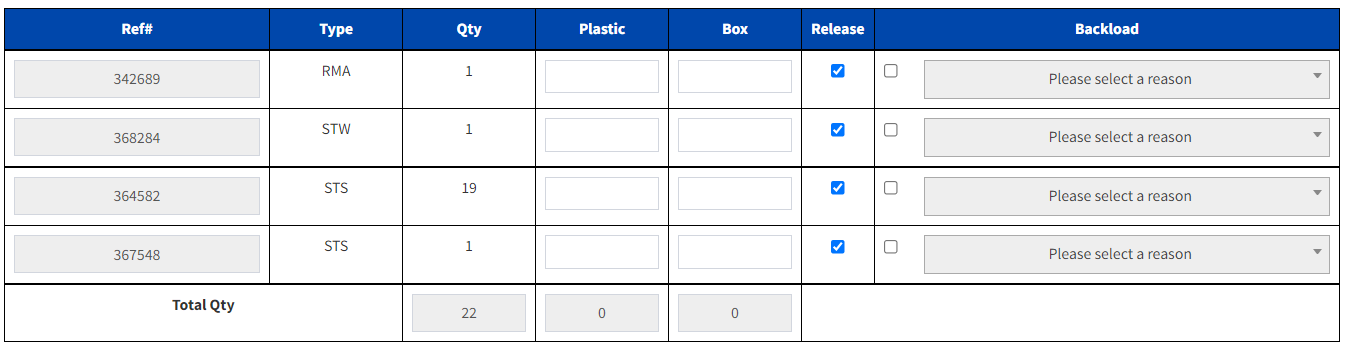
Uncheck items that will not be pulled out
Input the number of plastic / boxes used to pack per transaction