This article will teach you how to update items on the Menu Masterfile. This can be used for changes in category, pricing, etc.
This article is applicable to the marketing department
TABLE OF CONTENTS
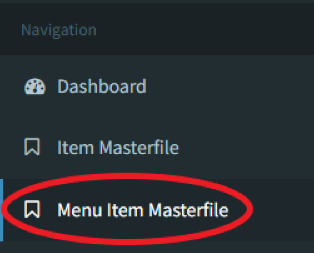
- Step 1: Click on Menu Item Masterfile
- Step 2: Click on Update Menu Items
- Step 3: Click on Download Template
- Step 4: Import Your File
- Step 5: Click on Upload
Step 1: Click on Menu Item Masterfile
Step 2: Click on Update Menu Items

Step 3: Click on Download Template
Please ensure that you export the latest Menu Masterfile so that you do not start from scratch.
Step 4: Import Your File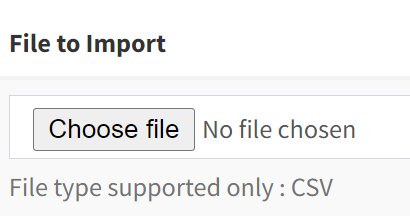
Make sure to fill-up your excel file with the items you plan to upload
Step 5: Click on Upload