
This article will show you how to process delivery transactions.
This article is for Restaurant Front-End users (Cashier / OIC) that would like to process delivery transactions
TABLE OF CONTENTS
- Step 1: Click on Delivery
- Step 2: Click on New Sales
- Step 3: Input Customer Name and Phone Number
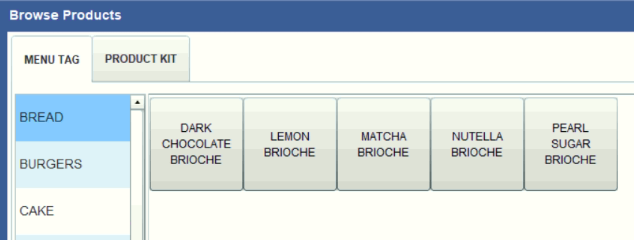
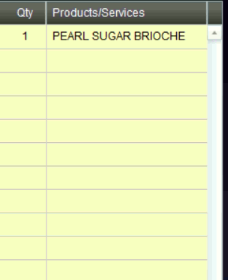
- Step 4: Input Orders
- Step 5: Click on Order
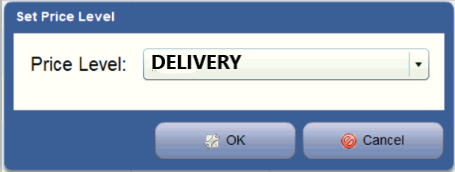
- Step 6: Click on Price Level and Select DELIVERY
- Step 7: Click on Set as Takeout
- Step 8: Settle Transaction
Step 1: Click on Delivery

Step 2: Click on New Sales

Step 3: Input Customer Name and Phone Number
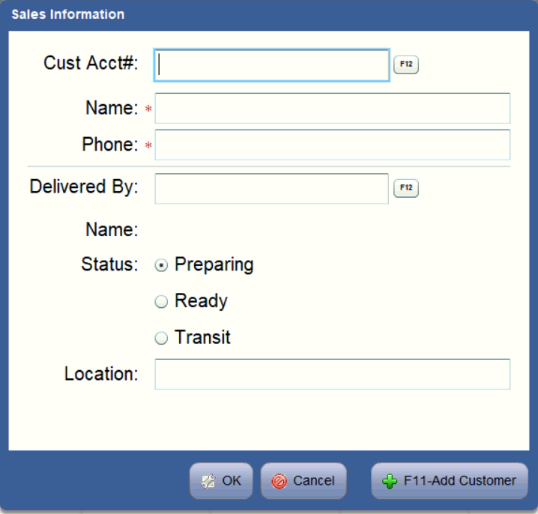
FOR MEGAWORLD STORES ONLY: Please input the courier name here (Eg. Foodpanda, Grab)
Step 4: Input Orders
Step 5: Click on Order
Step 6: Click on Price Level and Select DELIVERY

Step 7: Click on Set as Takeout

