
This article will teach you how to Add Ingredients to your Menu.
This article is applicable to chefs
TABLE OF CONTENTS
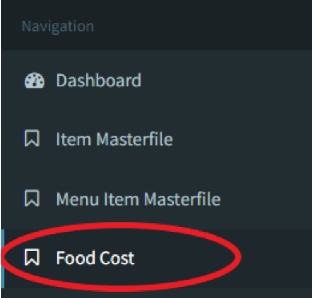
- Step 1: Click on Food Cost
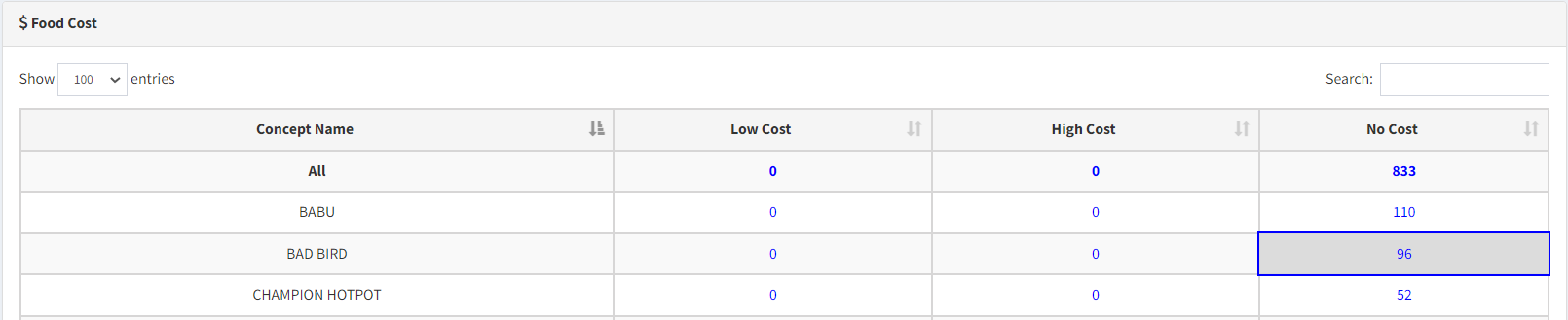
- Step 2: Click on the Concept
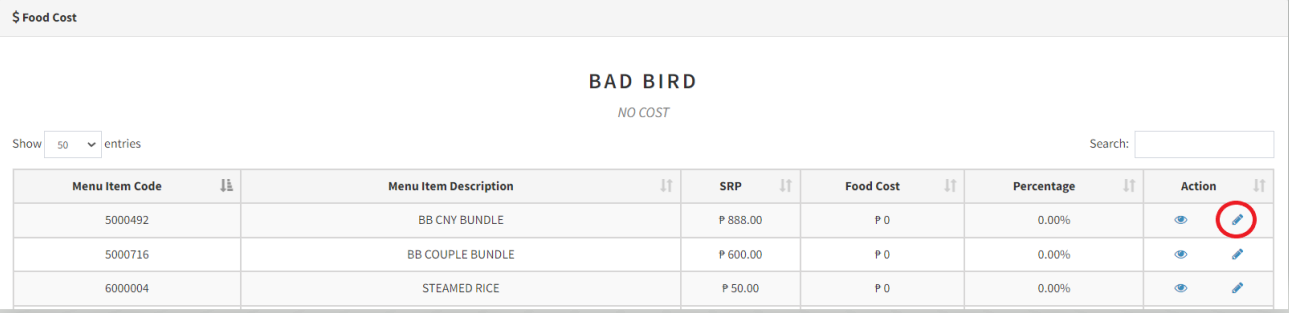
- Step 3: Edit the Item
- Step 4: Add Ingredients
- Step 5: [Optional] Input Substitute Ingredients
- Step 6: Click Save
Step 1: Click on Food Cost
Step 2: Click on the Concept
Step 3: Edit the Item
Step 4: Add Ingredients


Input the ingredient name and ingredient quantity. UOM is set by default. If there are issues, please contact the Purchasing department.
Step 5: [Optional] Input Substitute Ingredients

Click on the STAR to set your substitute ingredient as the main ingredient.
Step 6: Click Save
