
This article will teach you how to input comments received from Food Tasting.
This article is applicable to the marketing head.
TABLE OF CONTENTS
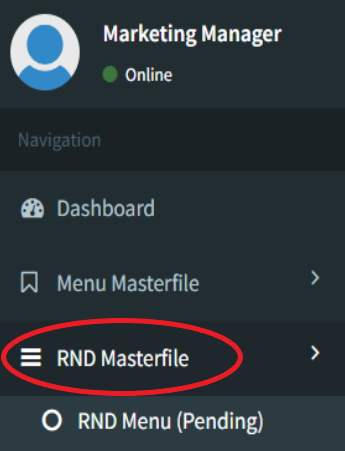
- Step 1: Click on RND Masterfile
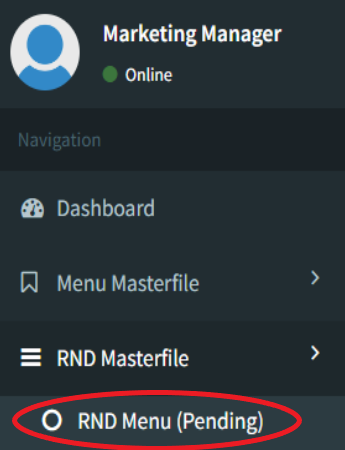
- Step 2: Click on RND Menu (Pending)
- Step 3: Click on View
- Step 4: Input Food Tasting Comments
Step 1: Click on RND Masterfile
Step 2: Click on RND Menu (Pending)
Step 3: Click on View
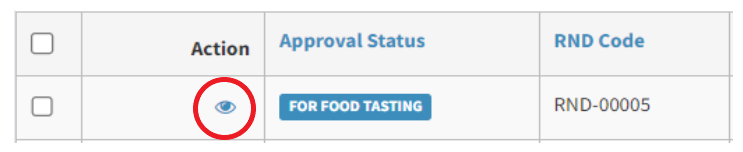
Open only menu items with the FOR FOOD TASTING status.
Step 4: Input Food Tasting Comments
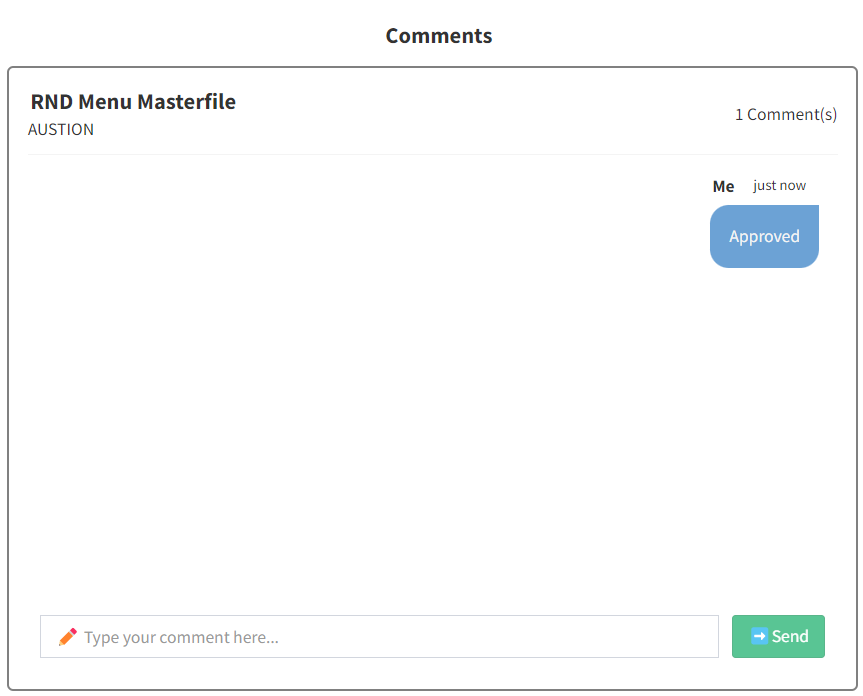
Input comments received from the food tasting. This chat window can be seen by the chef. You may input as many comments as you like.