
This article will teach you how to source New Ingredients or Packagingcreated by Chefs.
This article is applicable to the Purchasing Team.
TABLE OF CONTENTS
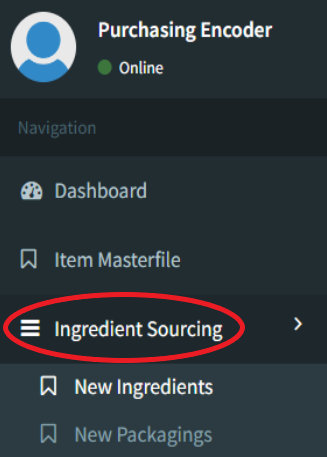
- Step 1: Click on Ingredient Sourcing
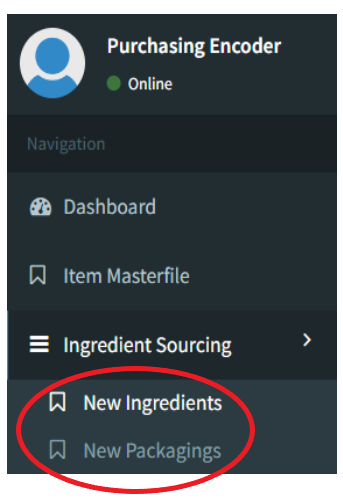
- Step 2: Click on New Ingredients or New Packaging
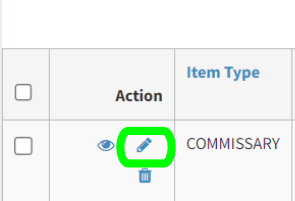
- Step 3: Click on Edit
- Step 4: Source Items
- Step 5: Create TIMFS Code
- Step 6: Link TIMFS Code
- Step 7: Click Save
Step 1: Click on Ingredient Sourcing
Step 2: Click on New Ingredients or New Packaging
Step 3: Click on Edit
Step 4: Source Items
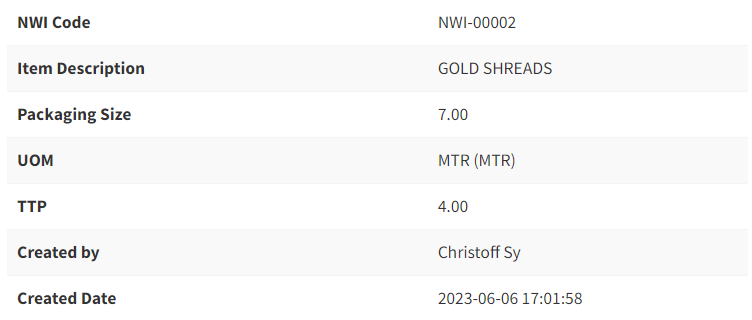
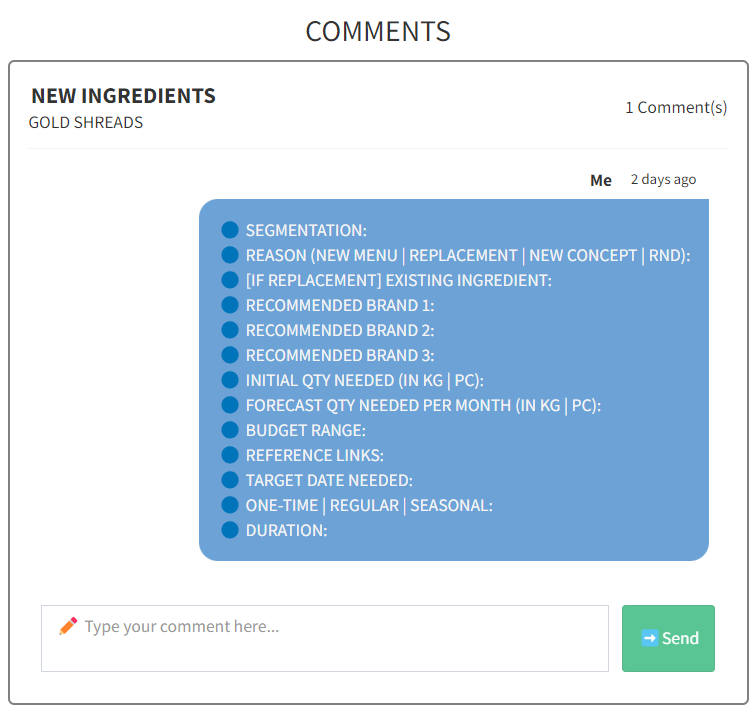
You may use the chat box provided to discuss between the Purchasing team and Chefs
Step 5: Create TIMFS Code
The Purchasing Team will create a TIMFS Code in their own system.
Step 6: Link TIMFS Code
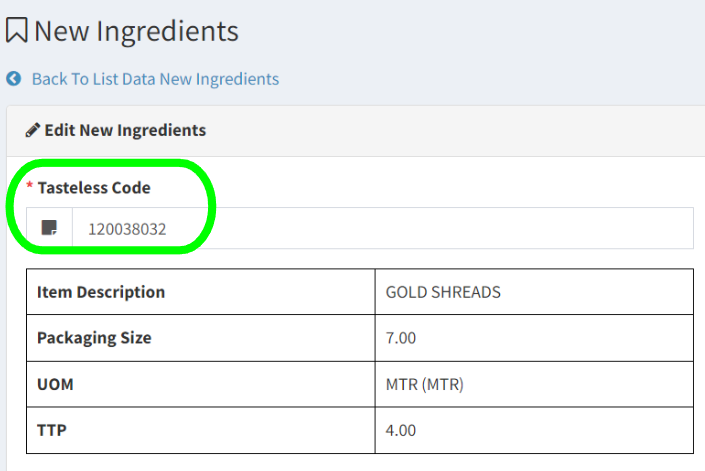
The system will automatically link all items using the same ingredient.
Step 7: Click Save

Clicking this will redirect you to the Menu Details Input Screen.