
This article will teach you how to create new packaging. These new ingredients will be seen by the Purchasing team.
This article is applicable to the Marketing Team.
TABLE OF CONTENTS
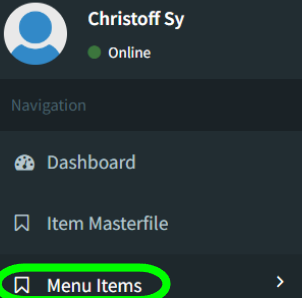
- Step 1: Click on Menu Items
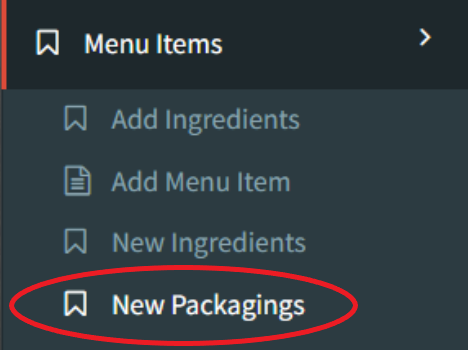
- Step 2: Click on New Packaging
- Step 3: Click on Add Data
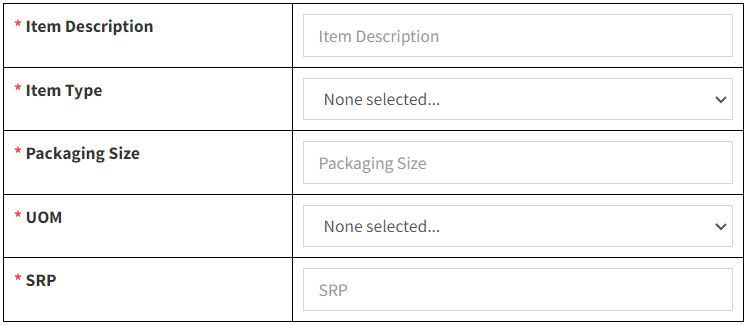
- Step 4: Input New Packaging Details
- Step 5: Create TIMFS Code
Step 1: Click on Menu Items
Step 2: Click on New Packaging
Step 3: Click on Add Data
Step 4: Input New Packaging Details
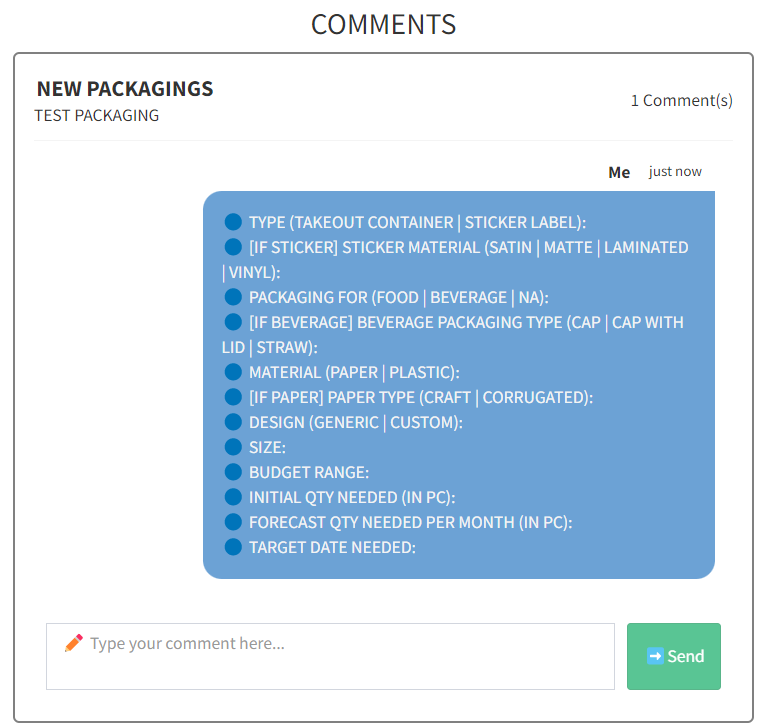
You may use the chat box provided to discuss between the Purchasing team and Marketing.
