This article will teach you how to view a Branch's Sales Performance.
TABLE OF CONTENTS
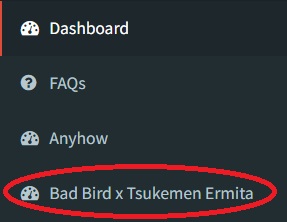
Step 1: Click on the Branch
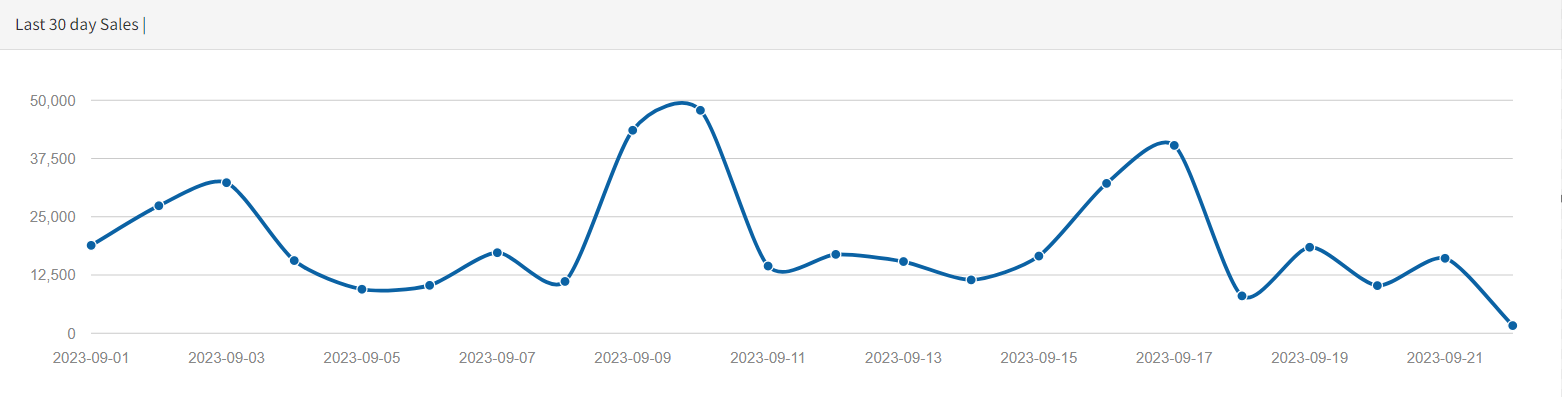
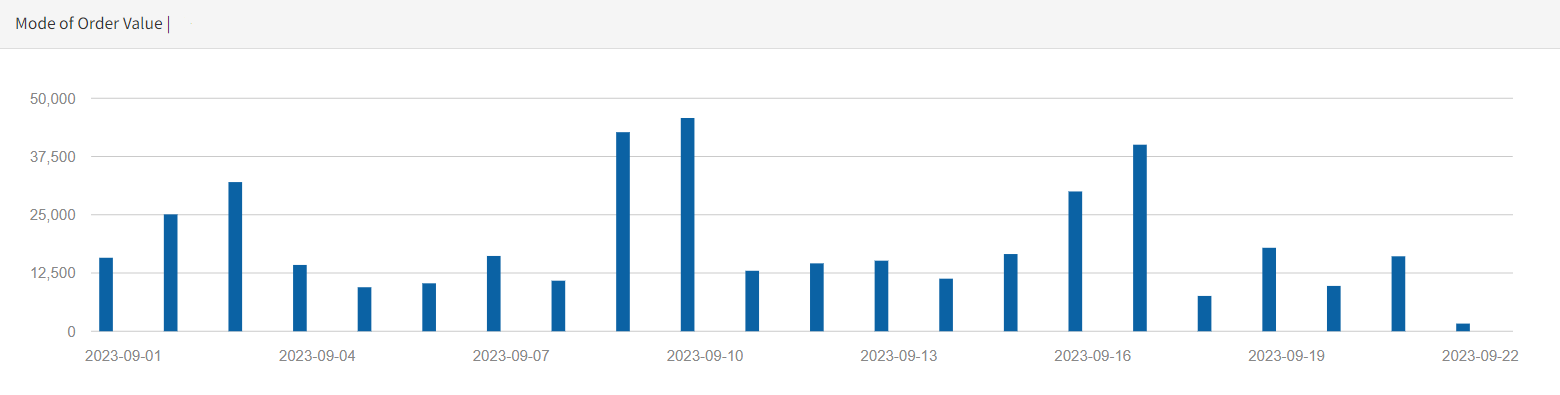
Step 2: View Sales Performance
You can hover over over the charts to view more detailed statistics

Modified on: Wed, 31 Jan, 2024 at 10:22 AM
This article will teach you how to view a Branch's Sales Performance.
TABLE OF CONTENTS
You can hover over over the charts to view more detailed statistics
Did you find it helpful? Yes No
Send feedback