
This article will teach you how to create a payment request.
This article is applicable to all departments
TABLE OF CONTENTS
- Step 1: Click on Cash Advance Request
- Step 2: Click on Request Cash Advance
- Step 3: Fill up the Necessary Information
- Step 4: Click on Request
Step 1: Click on Cash Advance Request
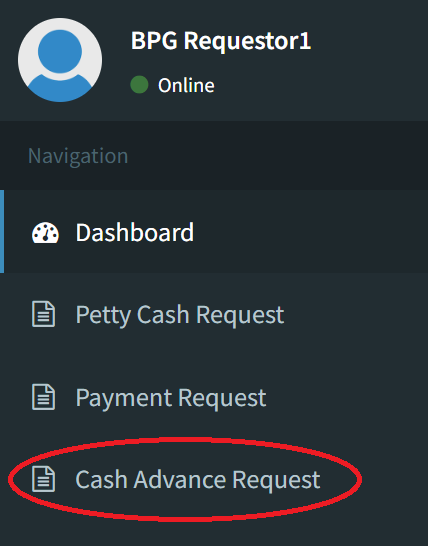
Step 2: Click on Add Request

You may request for cash advance requests for expenses that you do not know the details to yet. (Eg. Parking Ticket, Toll Fee, and Meal for a company-sanctioned trip)
Step 3: Fill up the Necessary Information
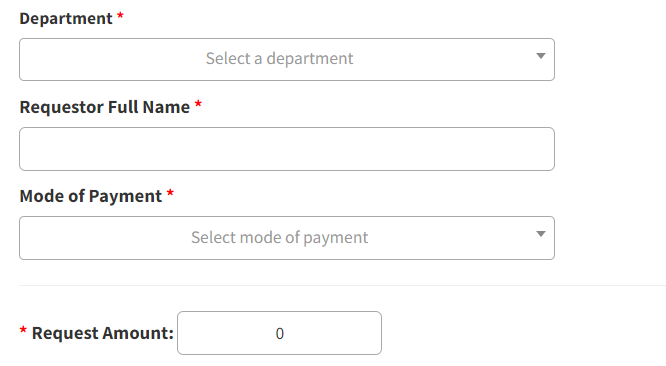
Please select the mode of payment in which you would like to be paid in
For credit card transactions, kindly approach your Accounting Manager for assistance
You may add more than one line item per transaction
Step 4: Click on Request

Your transaction will be visible to your department head for approval.